





4.1
Trial version
ScreenMaster
Application for Screen Capture


Safe & trusted downloads
The best software, verified by experts
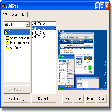
Normally you take screen using the standard PrtScn and Alt-PrntScn keys but MGrab will intercept the saved data as it is sent to the clipboard and put it into your chosen folder as a BMP or JPG file leaving the clipboard free for you to take another screenshot.
Its allows captures in BMP and JPEG format, provides thumbnails, and also takes multiple screenshots. You can also send your saved shots to your favourite editing programme and delete single grab files in one go.
An easy way to take screen shots.

Screen recording software
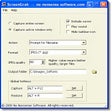
Simple screen capturing tool with auto-save feature

Powerful Screen Capture Tool
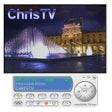
Get the most out of your TV card and watch shows in comfort
Windows 10 Mobile apps: the best way to enjoy your Windows phone

Check what's on TV tonight
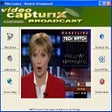
Powerful non-linear video capture app

Watch TV channels in your PC for free

Save your favourite film images

Efficient Screen Capture Tool for Windows
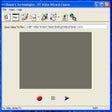
Records from any video capture source to WMV format

Efficient Screen Capture Tool for Windows